The short answer
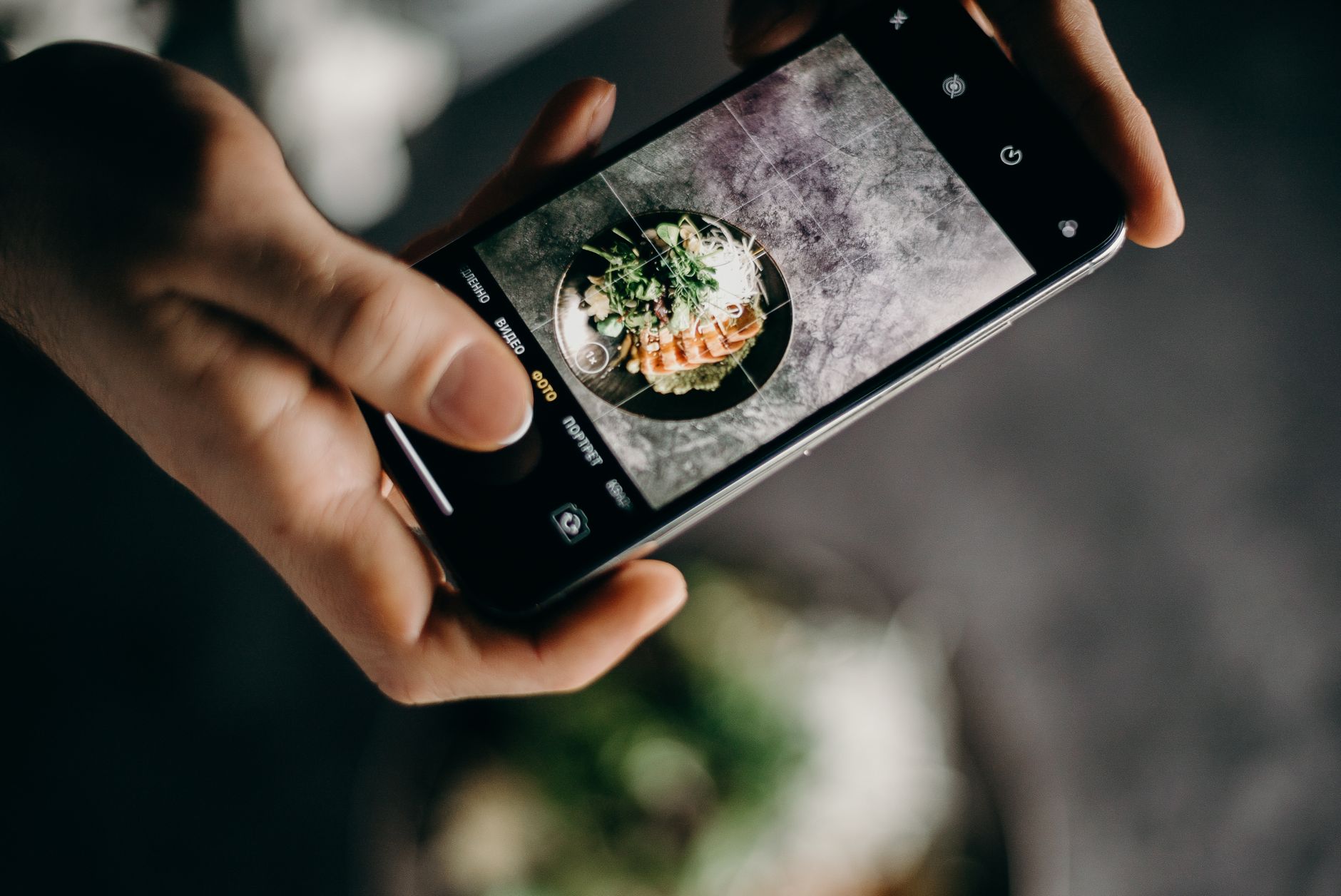
To track calories with a photo:
- Photograph the whole meal in good light.
- Check that every food was identified correctly.
- Correct the estimated portion of each food.
- Add anything the camera cannot see, including oil, butter, dressing, sauce, toppings, and drinks.
- Use a barcode, nutrition label, recipe, or food scale when it gives you better information.
- Review the calories and macros before saving.
Treat the result as a starting estimate, not a measurement. Your action today is simple: photograph one meal, run these six checks, and correct the entry before it reaches your diary.
Set a useful target before you start
A more detailed food log is not useful unless you know what you are trying to hit.
If fat loss is your goal, start by setting a realistic target with this calorie guide. If you also want to track protein, carbohydrates, and fat, use the beginner process in How to Track Macros.
Then use photo logging to answer two practical questions:
- Am I reasonably close to my daily calorie target?
- Am I getting enough protein for my goal?
If protein is the recurring gap, choose from this high-protein foods list instead of trying to perfect every other number first.
How a photo becomes a calorie estimate
A photo-based calorie app generally has to do three jobs:
- identify the visible foods
- estimate how much of each food is present
- match those estimated portions with nutrition data
Recognizing the food is only part of the problem. Calories depend on quantity.
The USDA Foundation Foods documentation explains the underlying calculation for its data: multiply the nutrient value per 100 grams by the portion weight in grams, then divide by 100. The documentation also says its official food-portion gram weights can be used in that calculation. See the USDA Foundation Foods documentation.
In plain language, an app needs both a suitable food entry and a credible weight. A camera may recognize rice, but it still has to estimate whether the plate contains 100 grams or 250 grams. We have not verified which nutrition databases or calculation methods individual commercial apps use.
What research on food photographs actually shows
Research supports the use of photographs in dietary assessment, but it does not prove that an autonomous consumer AI app can measure every meal accurately.
In the Nutris-Phone study, 66 adults photographed the foods and drinks they consumed while also completing a weighed record. A trained nutrition scientist evaluated the photo-based portions, and the researchers found strong correlations between the photo and weighed records. They also reported increasing underestimation at higher intake levels for most measures.
That was a photo-based dietary record reviewed by a trained person. It was not a test of Soma, Cal AI, or another consumer photo-recognition app.
A separate real-life portion-estimation study included 622 adults and 109 children. Participants used series of food photographs to estimate portions that were then weighed. Only 42% of estimates matched the pictured portion exactly, and the mean difference between estimated and actual food weight was 17%.
That study also did not test photo AI. It shows why portion size remains a meaningful source of error even when people have reference photographs.
The six checks to make before saving a meal
1. Check the food
Correct anything the app identified incorrectly. Similar-looking foods can have different nutrition profiles, especially when preparation methods differ.
2. Check the portion
Look at each food separately. If the serving estimate is uncertain and the food meaningfully affects your day, enter a known weight or household measure instead.
A second photo from the side may provide more context, but it still does not weigh the food.
3. Add hidden ingredients
A camera cannot reliably determine how much oil was used in a pan or what is inside a sauce, smoothie, casserole, curry, or restaurant dish.
Add the important extras manually:
- cooking oil and butter
- dressing and sauce
- cheese, nuts, and seeds
- spreads and toppings
- caloric drinks
4. Prefer labels for packaged food
If a package has a nutrition label or barcode, use that information and confirm how much you ate. A meal photo adds little when the exact product and serving information are already available.
5. Use recipes for repeat meals
For meals you cook regularly, build the recipe from its ingredients and divide it by the number or weight of the portions. Save that entry for later.
This takes more effort once, but avoids asking the camera to reconstruct the same hidden ingredients every time.
6. Weigh the foods where error matters most
You do not need to weigh every leaf of lettuce. Prioritize foods whose portions are hard to judge or whose calories change quickly with quantity, such as oils, nut butters, cheese, rice, pasta, cereal, and calorie-dense toppings.
When a photo estimate is useful
Photo logging is most useful when the alternative is skipping the meal entry or spending more effort than the decision requires.
It can provide a workable starting point for:
- meals with several visible components
- food without a barcode
- general calorie and protein awareness
- meals whose portions you can quickly correct
- days when manual database searches would interrupt the habit
Its practical advantage is less initial data entry. Whether it saves time depends on how many corrections the meal needs.
When not to rely on the photo alone
Use a food scale, recipe, package label, or professional guidance when:
- the meal contains hidden or blended ingredients
- a small portion error would materially change the result
- you are repeating the meal often and want a dependable entry
- you are following a medically prescribed nutrition plan
- you are preparing for a weight-class or physique competition
- you need precise intake data rather than a general estimate
For medical nutrition decisions, work with a qualified healthcare professional. A consumer photo app is not a substitute for individualized clinical assessment.
How to judge whether the method is useful
Do not judge a tracking method by whether one meal looks precise. Judge it by whether it helps you make consistent decisions.
For two to three weeks:
- Use the same correction process each day.
- Track body-weight trends under similar conditions if weight change is your goal.
- Keep an eye on hunger, energy, and training performance.
- Recheck repeat meals before changing your target.
- Adjust the plan only after you have enough consistent data to see a trend.
Photo estimates can still be systematically high or low. Consistency helps you notice that pattern; it does not turn an estimate into a measured value.
Choosing the right app
This guide covers the method, not which product wins.
Use the photo calorie app roundup to compare photo-focused options. If you are evaluating one specific product, the Cal AI accuracy review covers Cal AI separately.
If lifting is part of your goal, the calorie tracking apps for gym-goers guide focuses on the connection between food and training. For a broader comparison that is not limited to photo scanning, see the general calorie-counter roundup.
Whichever app you choose, look for editable foods and portions plus barcode, label, recipe, or manual-entry options. A fast estimate is only useful when you can correct it.
Testing and commercial disclosure
We did not perform a hands-on accuracy test of Soma, Cal AI, or any other app for this article. We did not compare app estimates with weighed meals, laboratory analysis, or review by a dietitian. No claim here should be read as an independent product-accuracy result.
Soma publishes this guide and makes the Soma fitness app, so we have a commercial interest when mentioning it. Soma includes photo food logging alongside calorie, macro, and workout tracking. Consider that workflow against your needs and verify the current product details in the app before deciding.
Bottom line
A meal photo can reduce the work needed to start a calorie entry, but it cannot reveal every ingredient or guarantee the portion weight.
Photograph the meal, check the food, correct the portion, add hidden calories, and replace the estimate with label, recipe, or scale data when accuracy matters. The useful habit is not blindly scanning every plate. It is reviewing every estimate before you save it.